Mission control for your terminals, staffed by a crew.














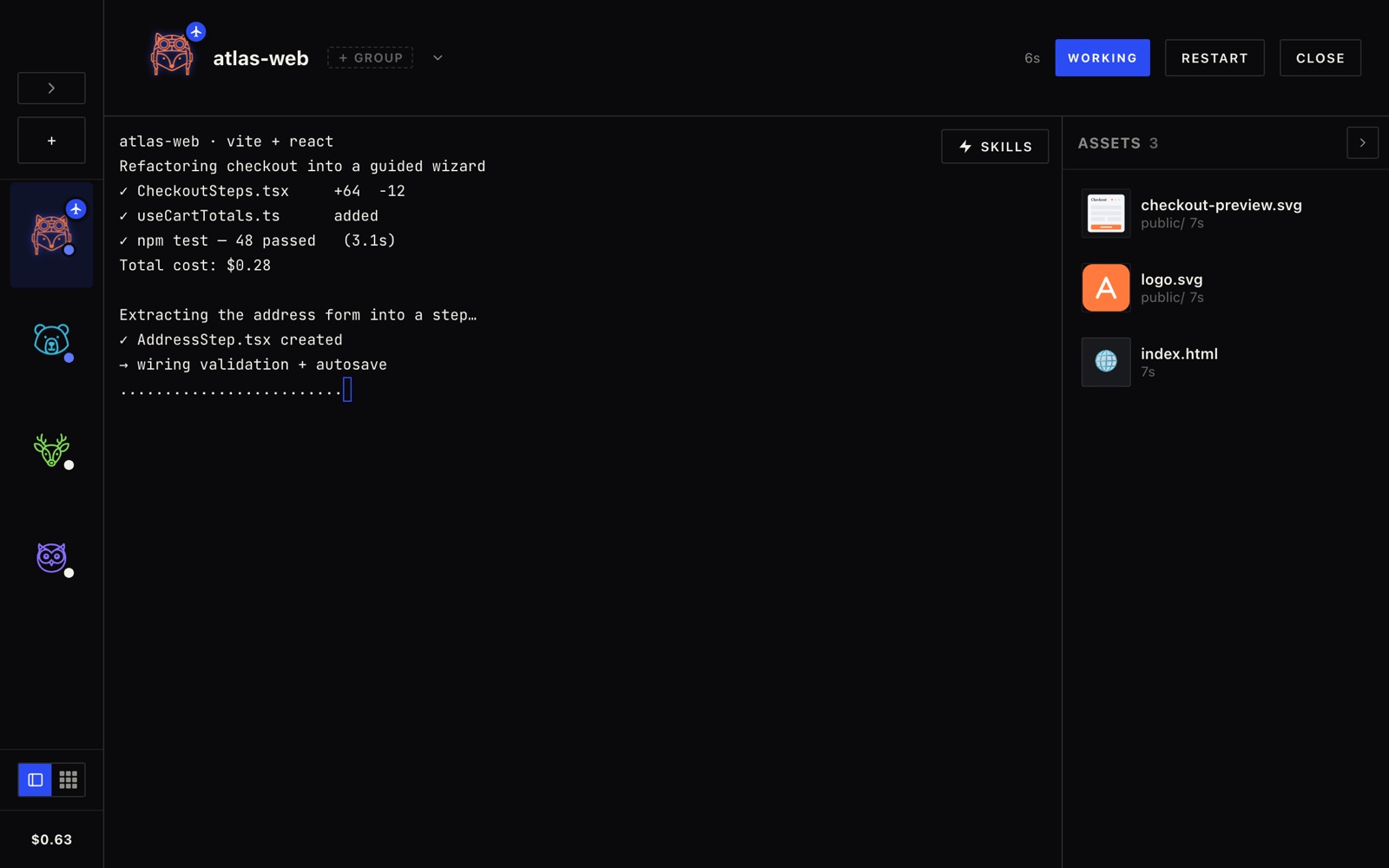
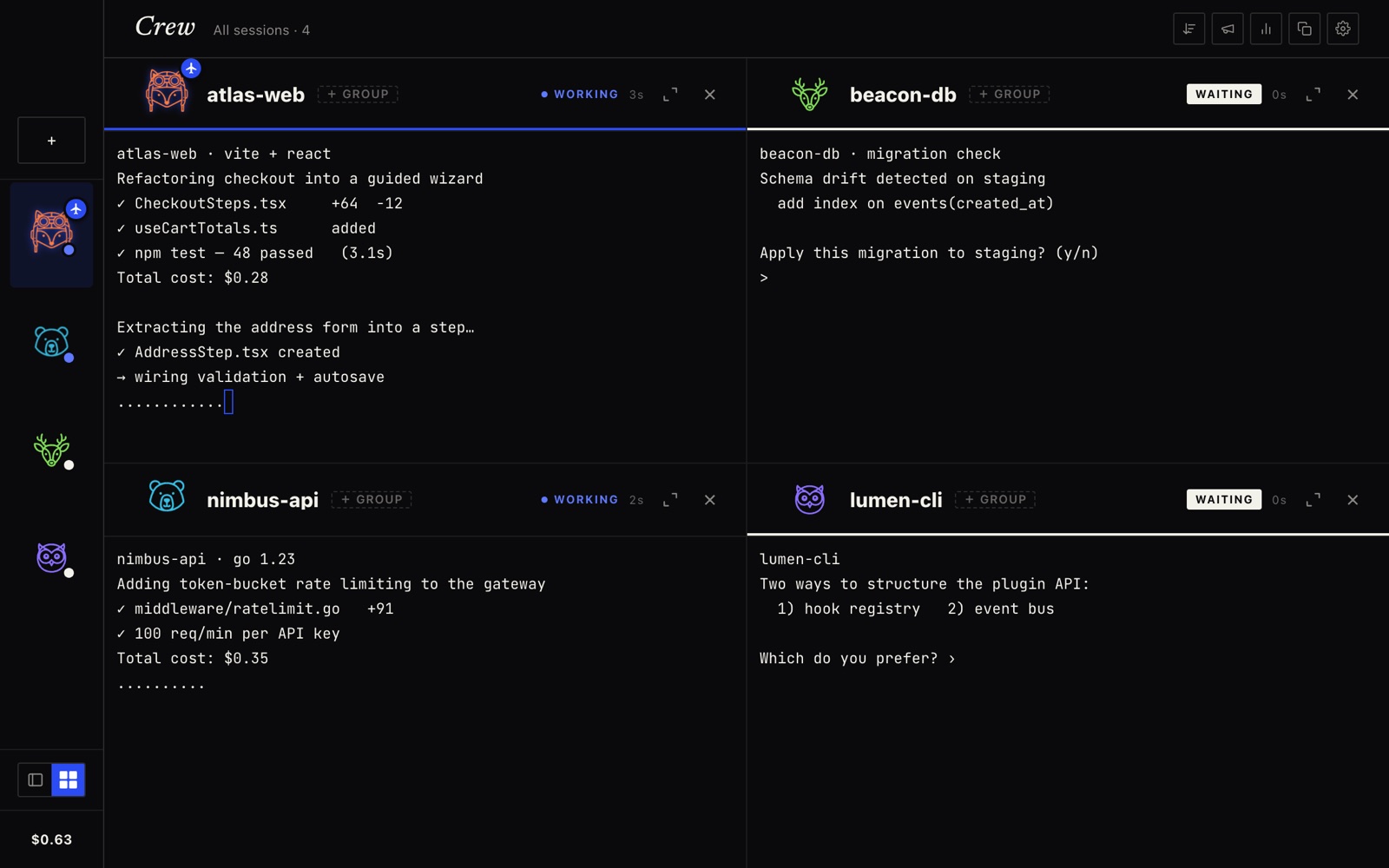
Run Claude Code, Copilot CLI, and shells side by side. Crew owns every terminal, so it always knows which agent is working — and which one is waiting on you.
On an Intel Mac? Download the Intel build.
WHY CREW
Never lose track of who needs you.


Launch. Walk away. Get pinged.
1
Launch your agents
Start Claude Code, Copilot CLI, a shell, or any custom command — each in its own owned session.
2
Crew watches the streams
It reads every PTY, animates characters while they work, and flips to a red dot the moment it's blocked.
3
Jump to whoever needs you
Click the menu-bar badge to leap straight to the waiting session, answer it, and let the crew keep working.
Get the latest Crew.
One download and you're running. Free and open — 100% local, no account, no telemetry.
macOS 11+ (Apple Silicon & Intel) · Windows 10/11 (x64) · v0.7.12